
How to find and merge duplicate photos on iPhone
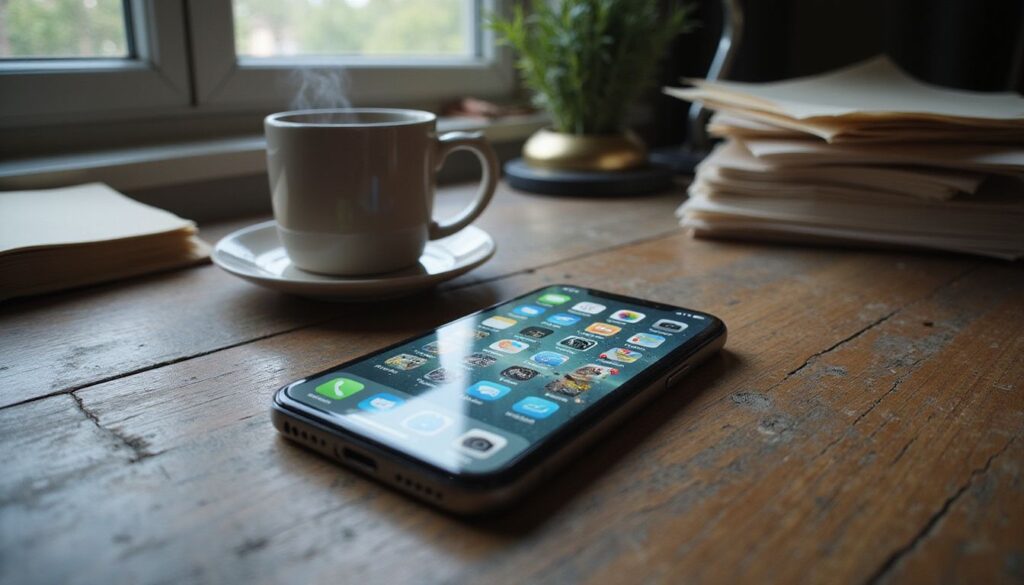
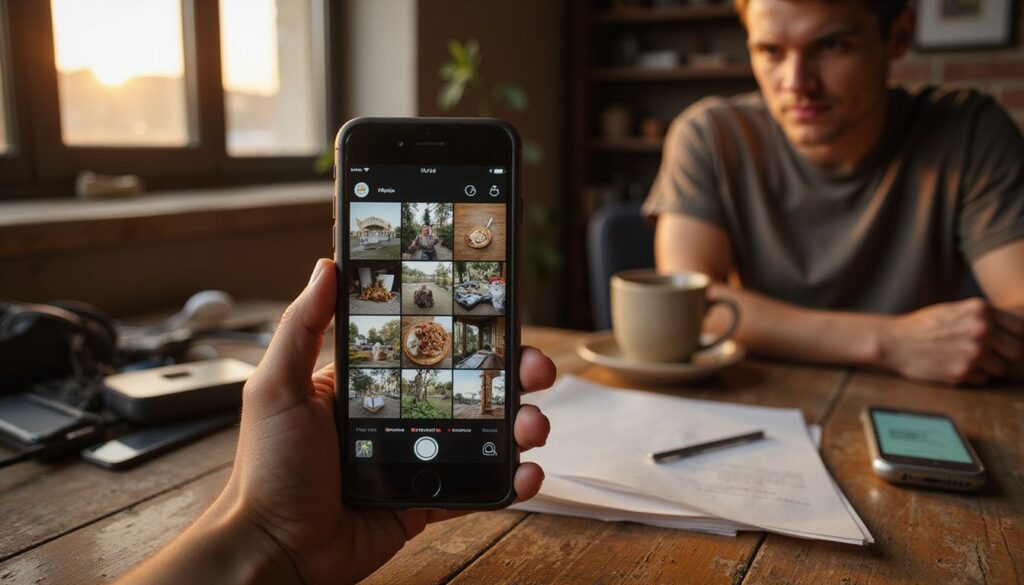
Your iPhone already knows where the duplicates are. Since iOS 16, the Photos app quietly checks your library and collects exact and near-exact copies in one place, so there is no need for a third-party cleaner app. Open Photos, tap Collections, scroll to Utilities and tap Duplicates. Review a pair, tap Merge, then confirm. Merging
How to find and merge duplicate photos on iPhone Read More »